How to Improve Image Quality: The Magic of an AI Image Upscaler
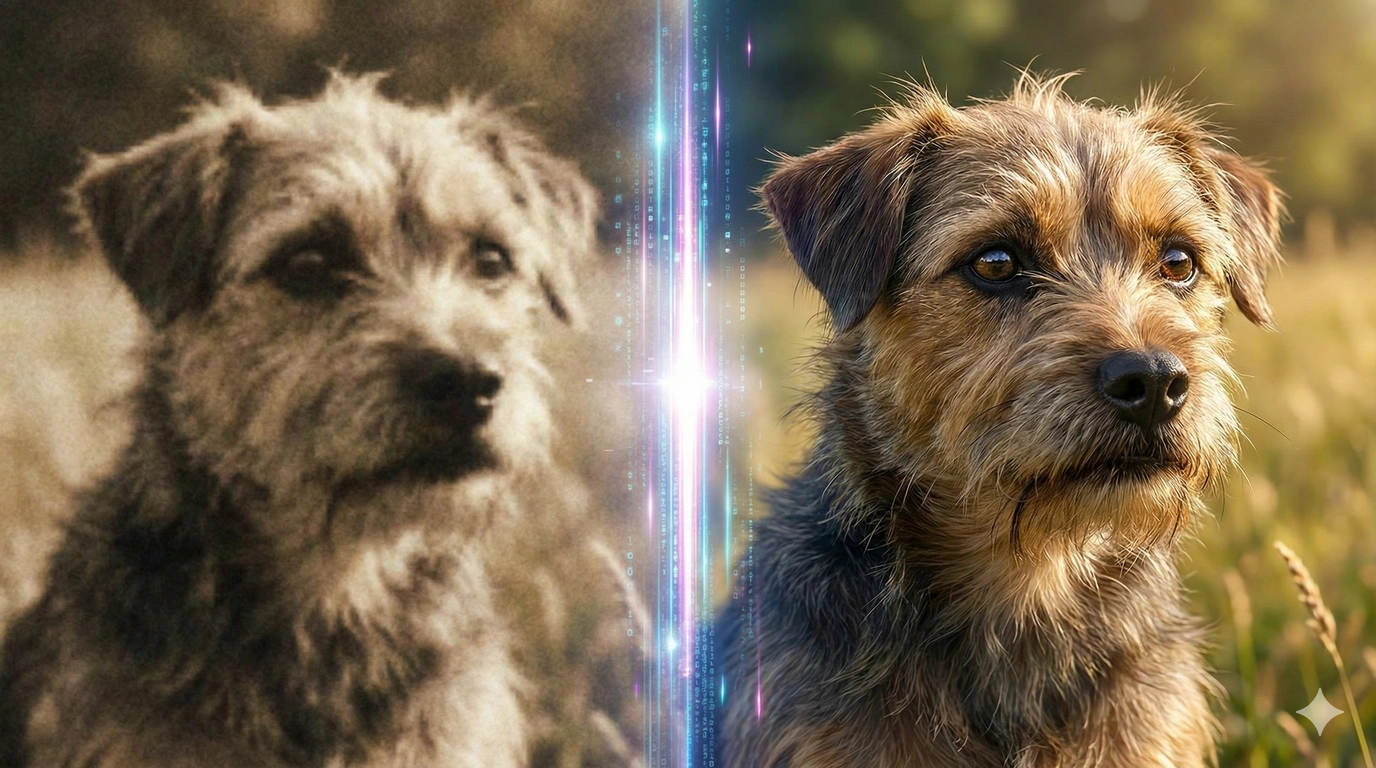
Have you ever taken a photo of your favorite toy or pet, but when you look at it, it looks like a fuzzy potato? It’s blurry, dark, and you can’t see the details. Don't worry!
Today, I’m going to show you how to improve image quality using a smart tool called an Image Upscaler.
How Does AI Fix Your Photos? (The Missing Puzzle Pieces)
You might ask: "How can a computer fix a blurry photo?"
Imagine your photo is a puzzle made of tiny square pieces (pixels).
- A good photo has thousands of pieces. You can see everything clearly.
- A blurry photo has missing pieces. It looks empty and blocky.
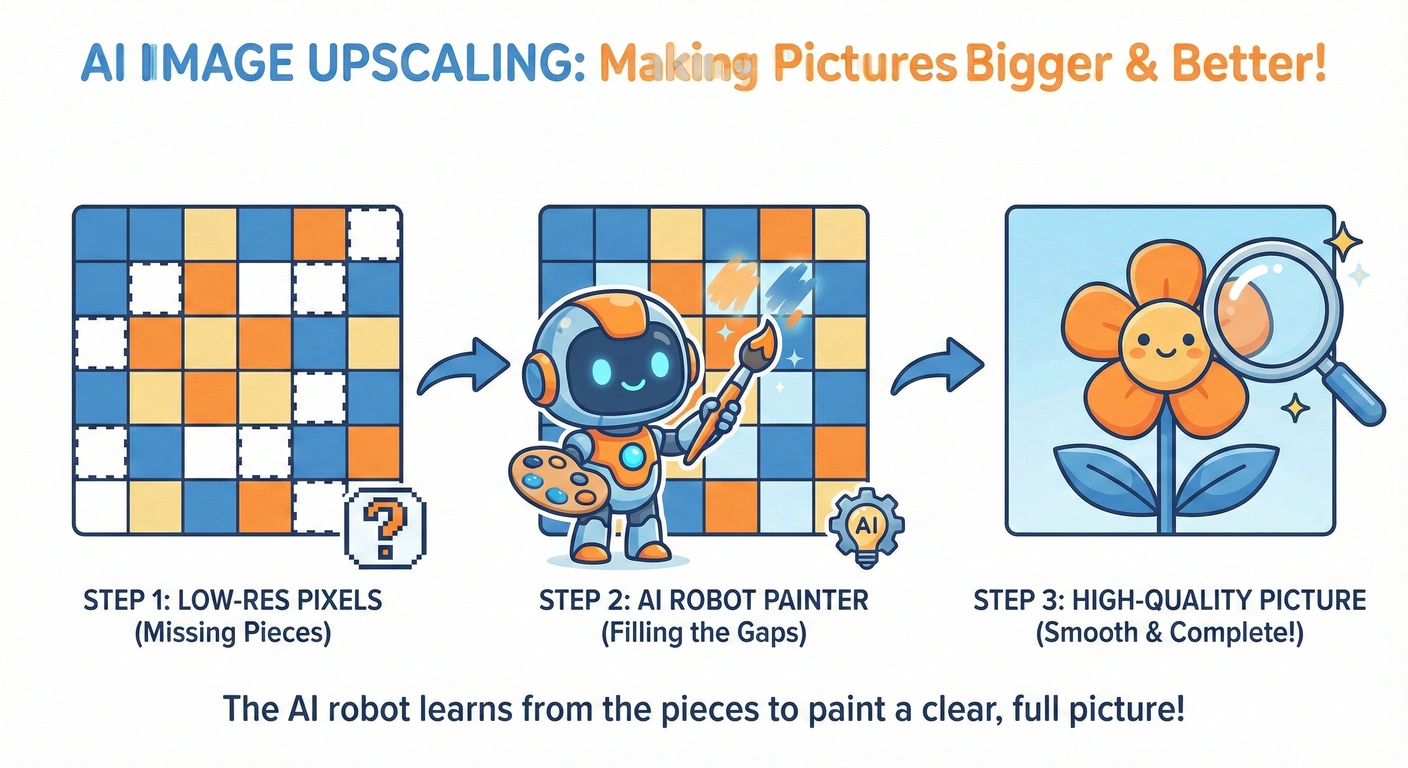
An AI Image Upscaler is like a smart artist. It looks at the blurry puzzle and guesses what the missing pieces should look like. It draws new pixels in the gaps, making the picture bigger AND clearer. It's not magic, it's math!
How to Improve Image Quality in 4 Easy Steps
Ready to try? Our tool is super easy. Just follow these steps:
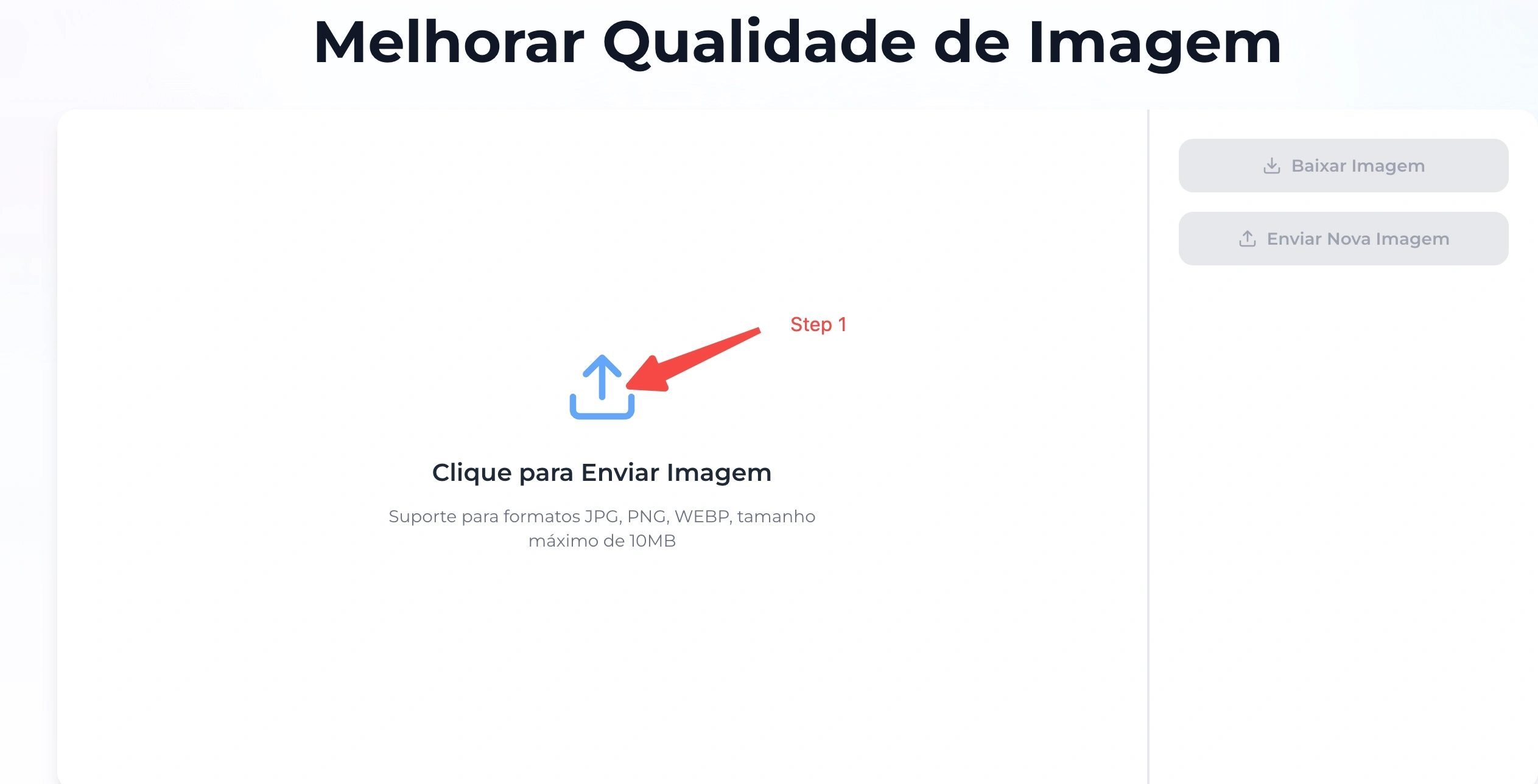
Step 1: Upload Your Photo
Open the website. Click the "Upload" button and pick your blurry picture from your phone or computer.
Step 2: Choose Your "Magic Mode"
This is important! Different photos need different magic.
- Is it a photo of a person? Choose "Portrait Mode" (Face Enhancement).
- Is it a cartoon or drawing? Choose "Anime Mode".
Picking the right scene helps the AI do a better job.
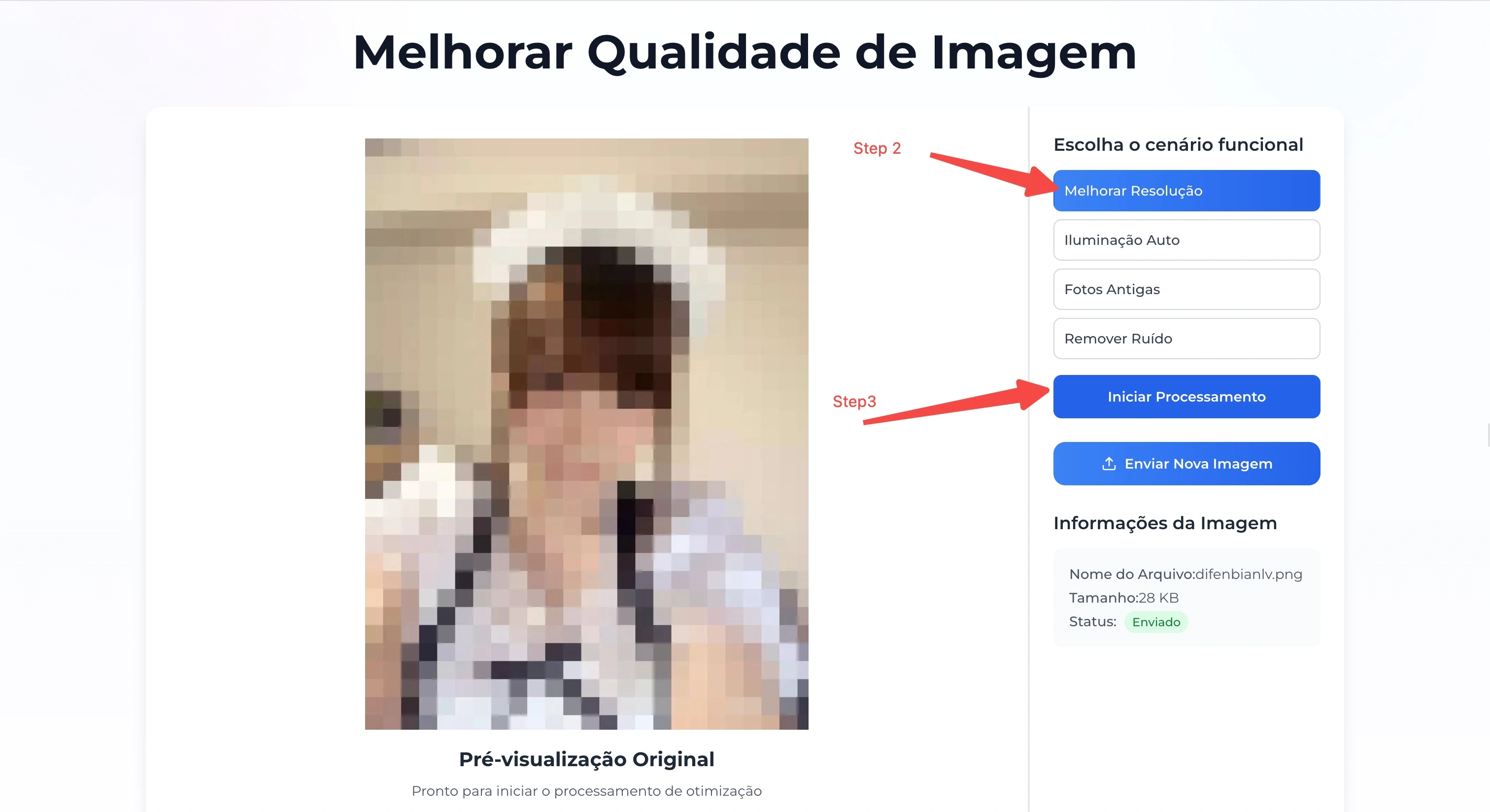
Step 3: Click "Enhance"
Click the start button (as shown in the picture above). The AI robot will start working. It usually takes just a few seconds to paint those missing details.
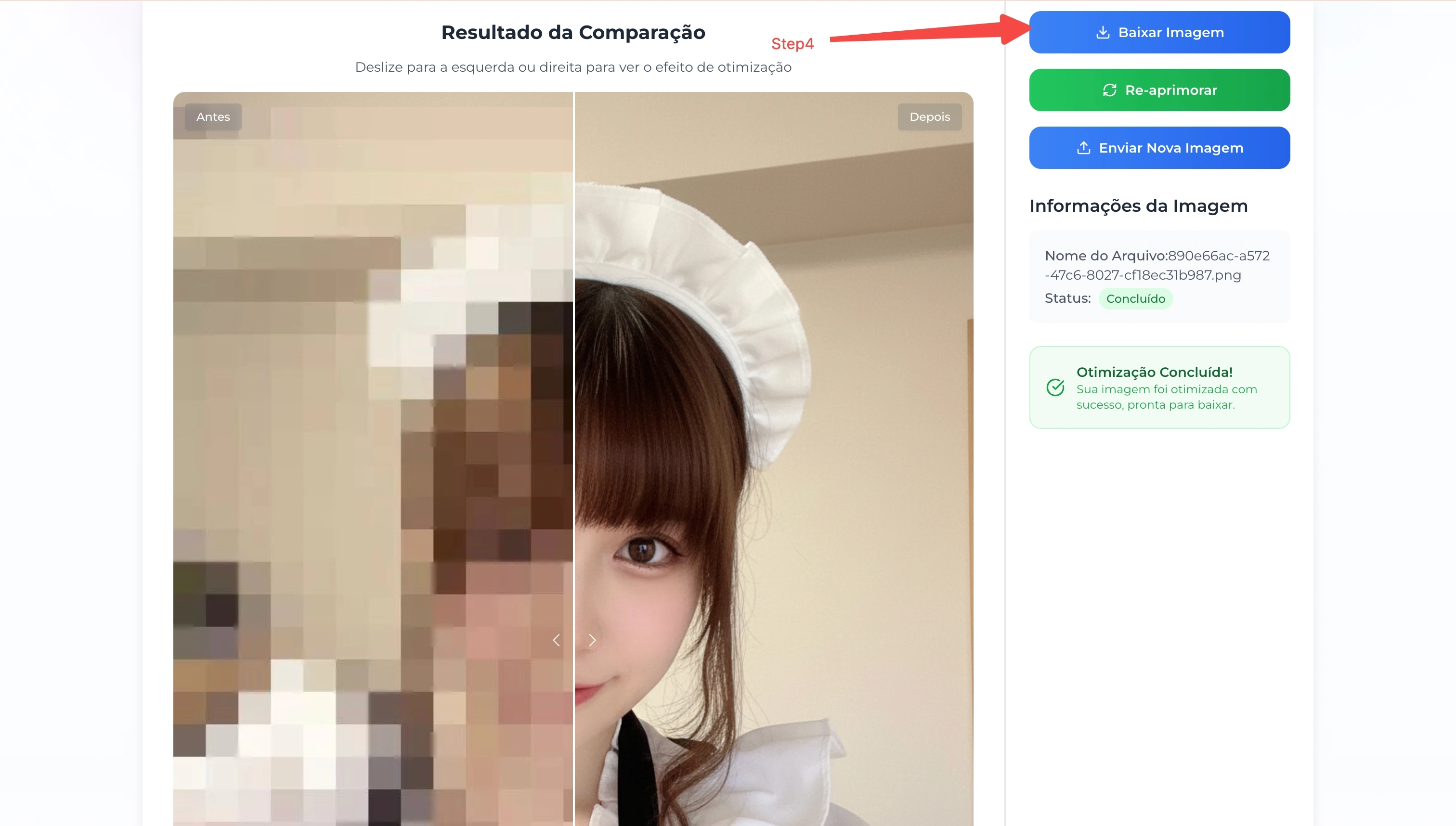
Step 4: Download and Save
Wow! Look at the difference. If you like the new clear photo, click "Download" to save it.
Conclusion
Fixing a bad photo is easy when you have the right tool. With an AI Image Upscaler, you can save your precious memories from being blurry forever.
Look at this amazing result:
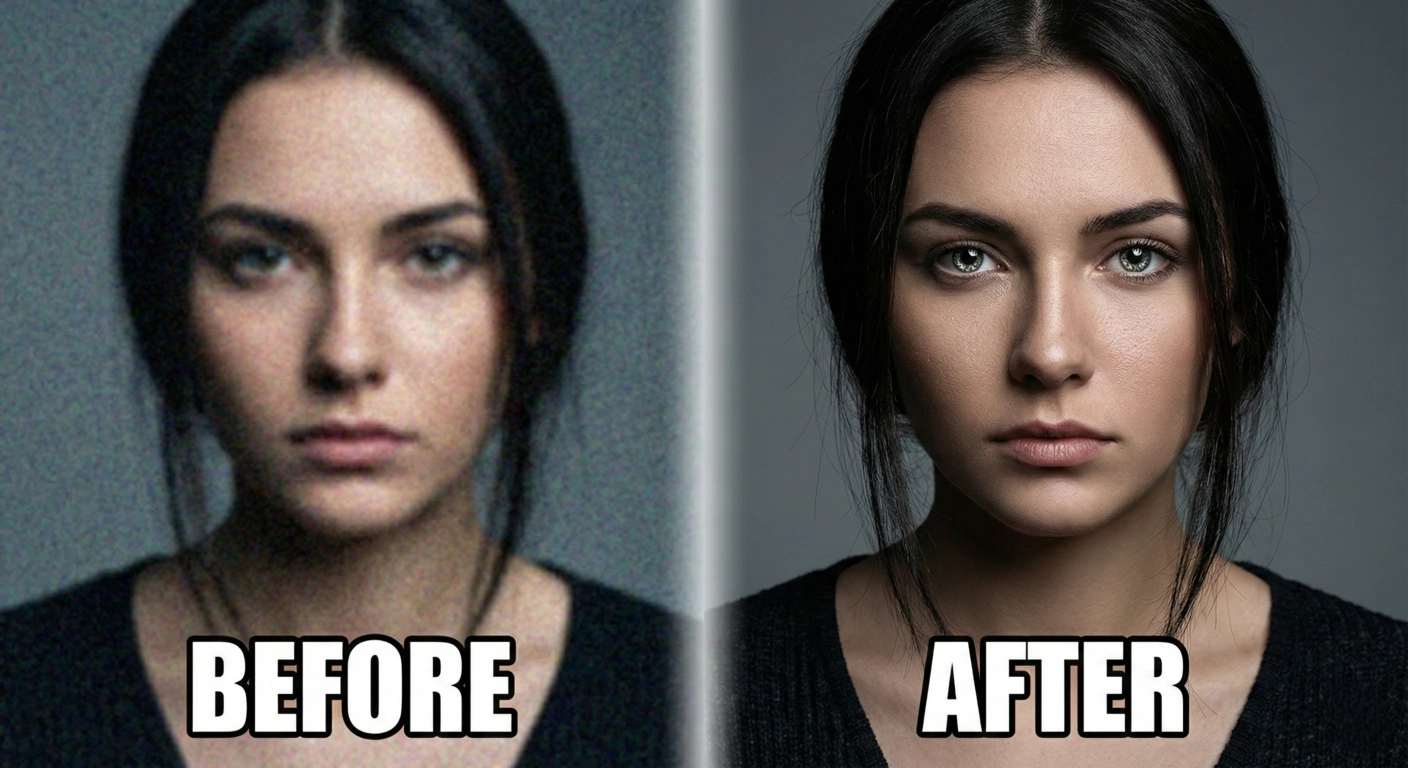
Why settle for blurry memories when you can have clear ones?